> For the complete documentation index, see [llms.txt](https://docs.zipy.ai/llms.txt). Markdown versions of documentation pages are available by appending `.md` to page URLs; this page is available as [Markdown](https://docs.zipy.ai/product-features/network-headers-and-payload.md).
# Network Headers and Payload
View all network request response headers and payload in Dev Tools
**Network request response headers**
Network request response headers are captured by default in Zipy. These are part of the Network Tab in **DevTools.**
**Network header sanitization**
Some network headers are disabled by default due to security reasons.
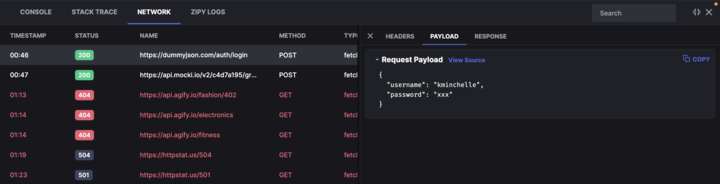
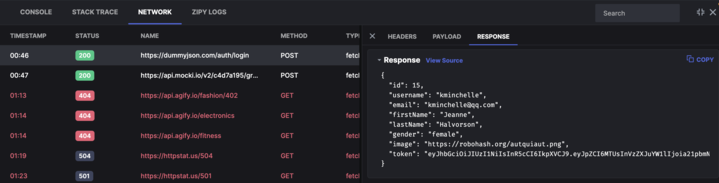
**Network request payload and response**
Network request payload and response capture can be enabled or disabled for Enterprise Plan users. By default the network payload and response is not captured.
If it is enabled for the users the network payload details will be captured as shown in the figure below.