> For the complete documentation index, see [llms.txt](https://docs.zipy.ai/llms.txt). Markdown versions of documentation pages are available by appending `.md` to page URLs; this page is available as [Markdown](https://docs.zipy.ai/zipy-for-mobile/flutter-setup/session-replay.md).
# Session Replay
Analyzing user journeys with Session Replays
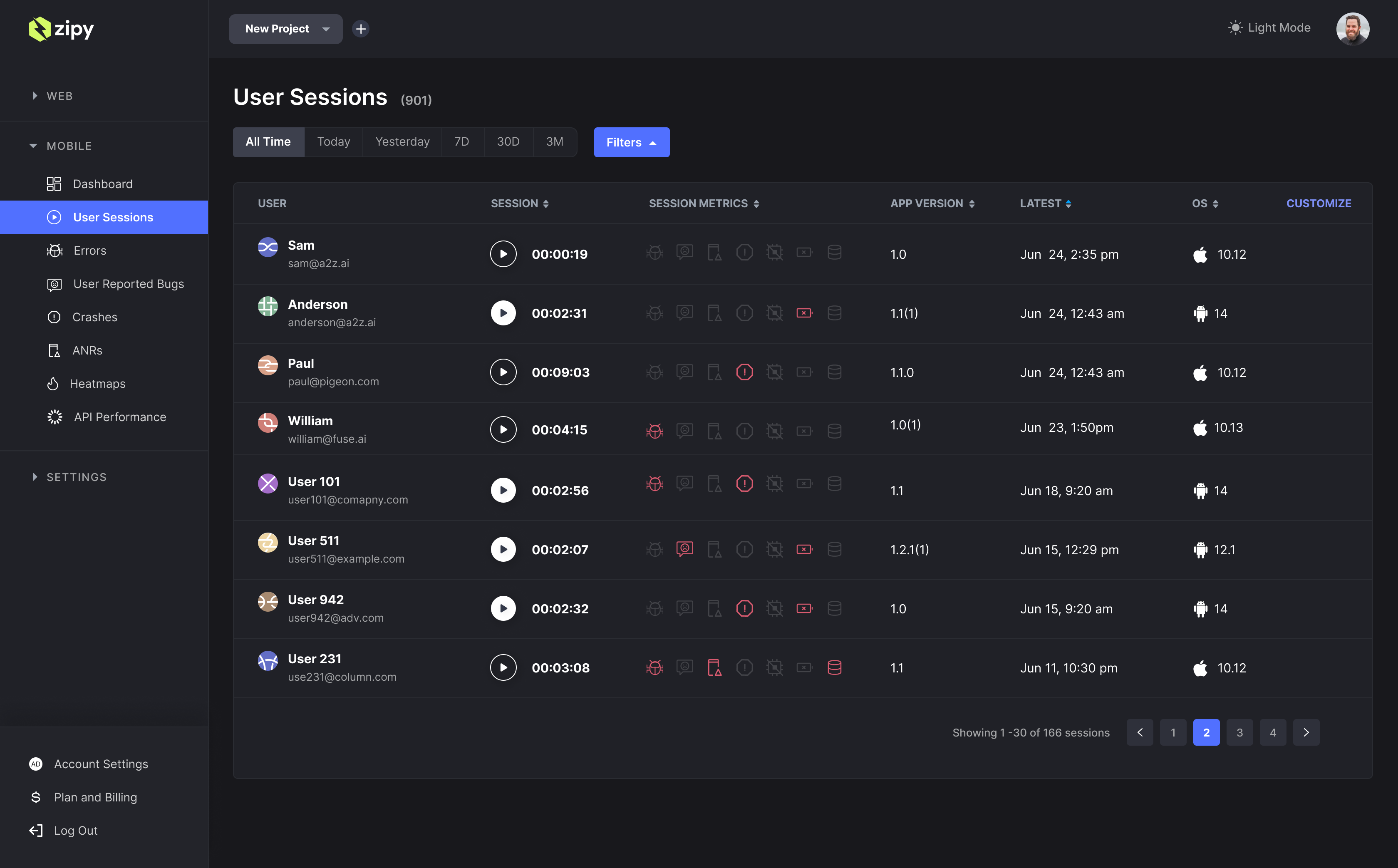
Session replays offer a comprehensive view of user journeys through session replays. You can filter these sessions based on various parameters such as time, user email, name, city, country, and operating system.
**Important:** To view session replays, it is necessary to implement [**Gesture Capturing**](/zipy-for-mobile/flutter-setup/gesture-capturing.md)**.**
Clicking on a session replays allows you to replay the entire session.
The Zipy session replays Player provides the following features:
* **Complete Session Replay**
* **Timeline with Inactivity and Errors:** Options to fast forward and adjust playback speeds.
* **Breadcrumbs:** All user events, including clicks, network data, console logs, and errors.
* **Dev Tools:** Console logs, network logs, stack traces, and any custom logs.
* **User Environment Details:** Information such as the operating system, and more.
**Note:** Add storage and internet permissions to your `AndroidManifest.xml` for Zipy’s session replay and initialization.
.png?alt=media&token=915ac4cb-7148-497b-a7af-3626686d8651)