> For the complete documentation index, see [llms.txt](https://docs.zipy.ai/llms.txt). Markdown versions of documentation pages are available by appending `.md` to page URLs; this page is available as [Markdown](https://docs.zipy.ai/product-features/heatmaps.md).
# Heatmaps
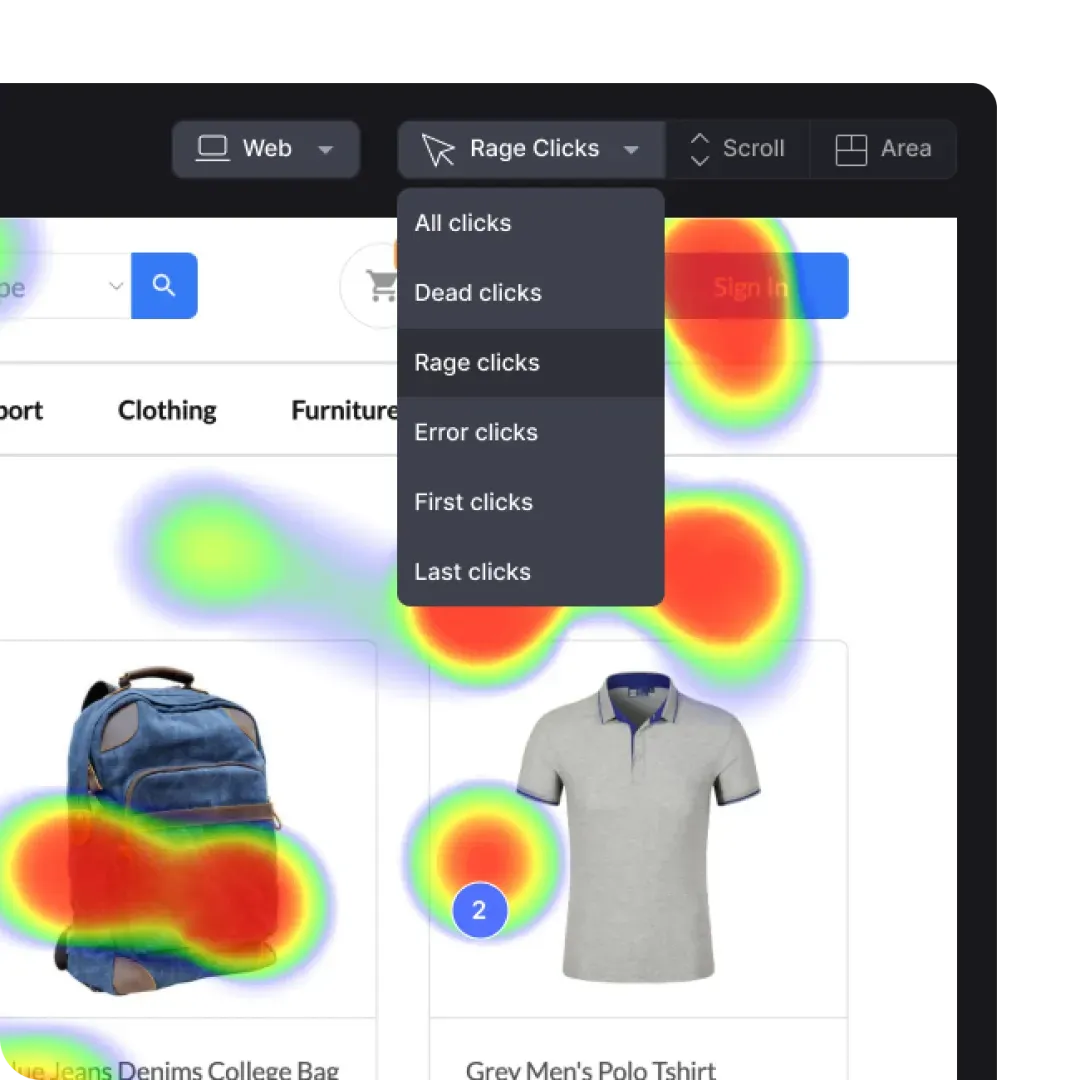
Understand which page drives the most engagement, where they don't interact and how much they scroll.
Get the exact number of clicks on a given page for different parts of the page.
### Rage Clicks
Detect poor user experience across app or website pages with rageclicks detected by Zipy heatmap software.
### Dead Clicks
Use Zipy heatmap software to identify dead clicks and gain insights into user frustrations that could potentially result in drop-offs, thereby improving the usability of your application.