> For the complete documentation index, see [llms.txt](https://docs.zipy.ai/llms.txt). Markdown versions of documentation pages are available by appending `.md` to page URLs; this page is available as [Markdown](https://docs.zipy.ai/product-features/segment.md).
# Segment
Create and save Segment for a given cohort of users or conditions.
Create your own cohorts based on your choices with Segments feature. Use the filters feature to define your cohort. For example create Segments of users from a given city or users using a given platform. You can create Segments using mutliple filters i.e. a combination of filters.
Segments can be defined at both personal or team level. Team level Segments will be accessible by all members of the given project.
Segments once created, can also be edited or deleted.
## **Create and Save Segment**
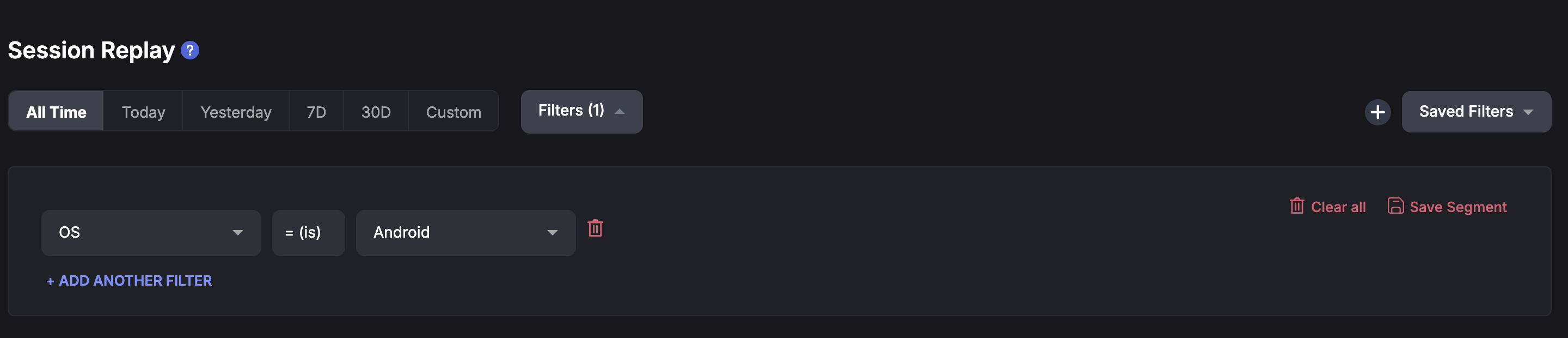
Go to Session Replay and create a filter. Once filter is created you will see a Save Segments option on the right hand side.
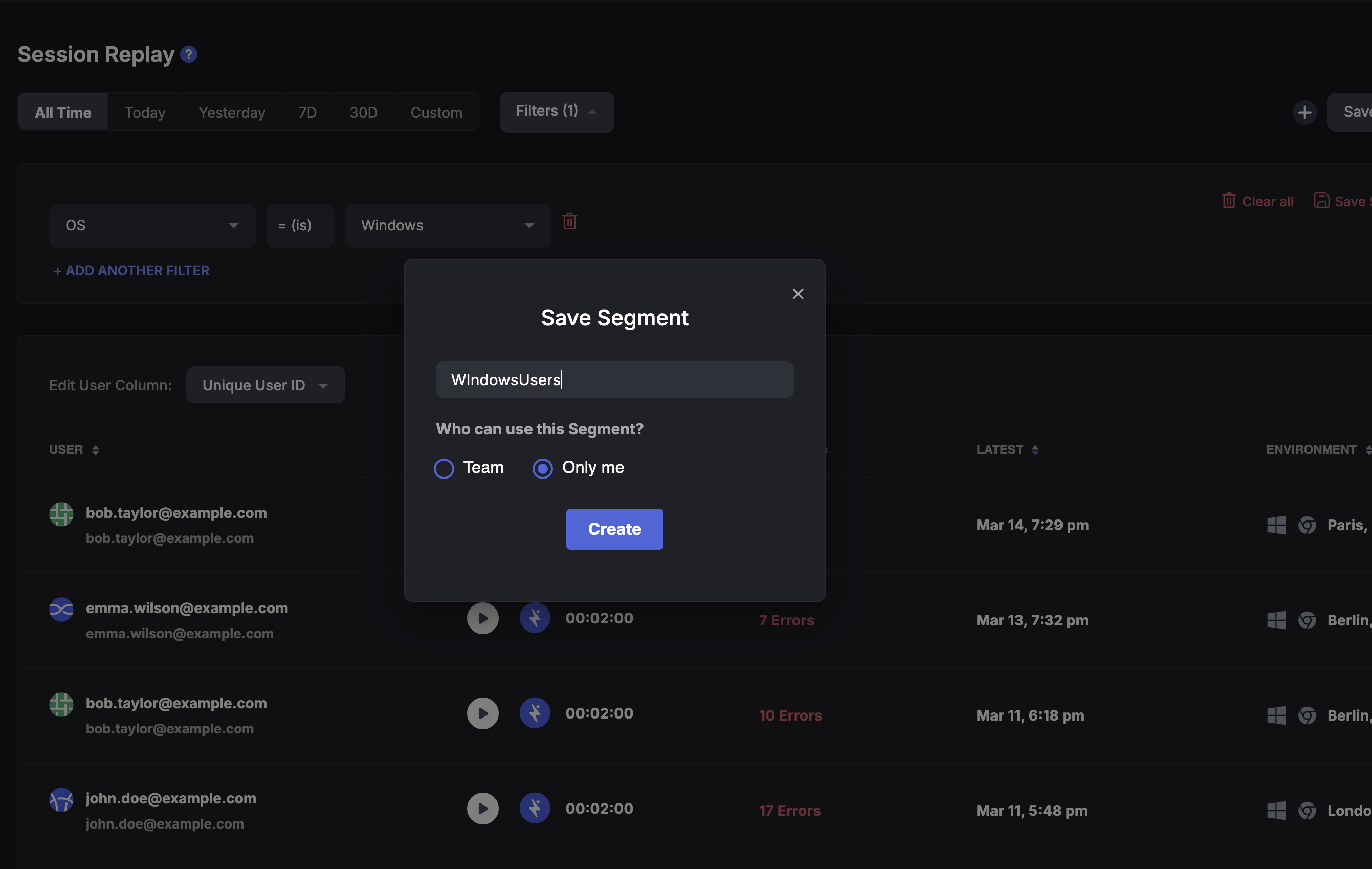
Select Save Segment and give it an appropriate name. Segment can be created for Team or Personal use. The below image shows a Filter created for Team.
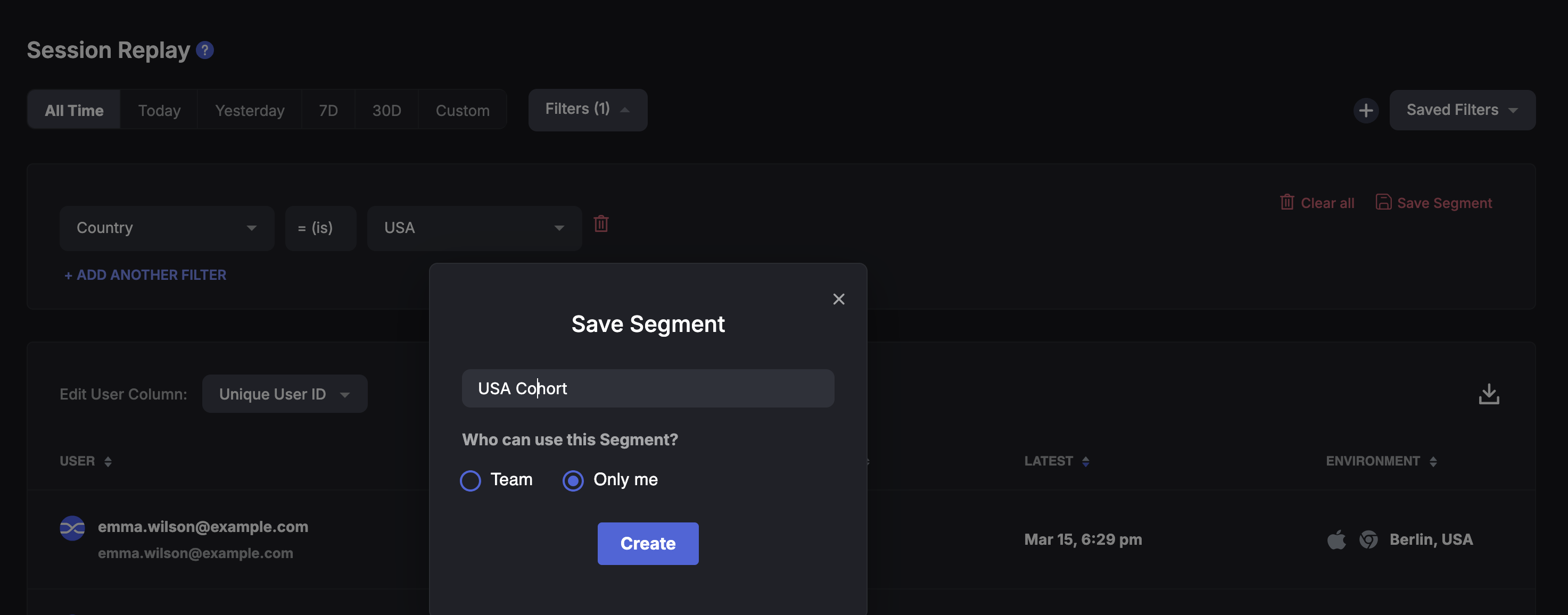
This image shows filter created for personal view only.
## **Update Segment**
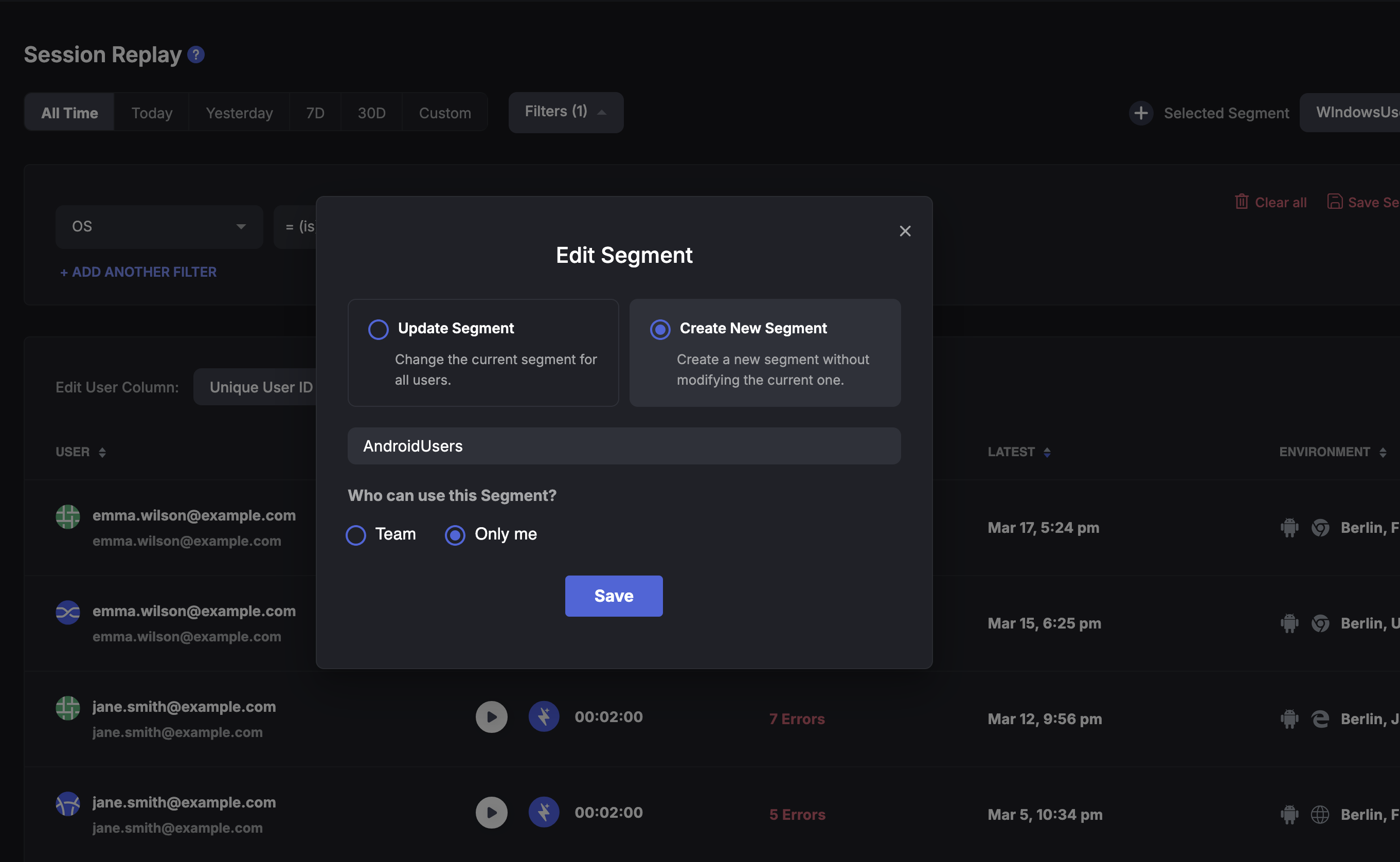
One can also update or create new segments after changing the filter a shown below.
## **View Saved Segment**
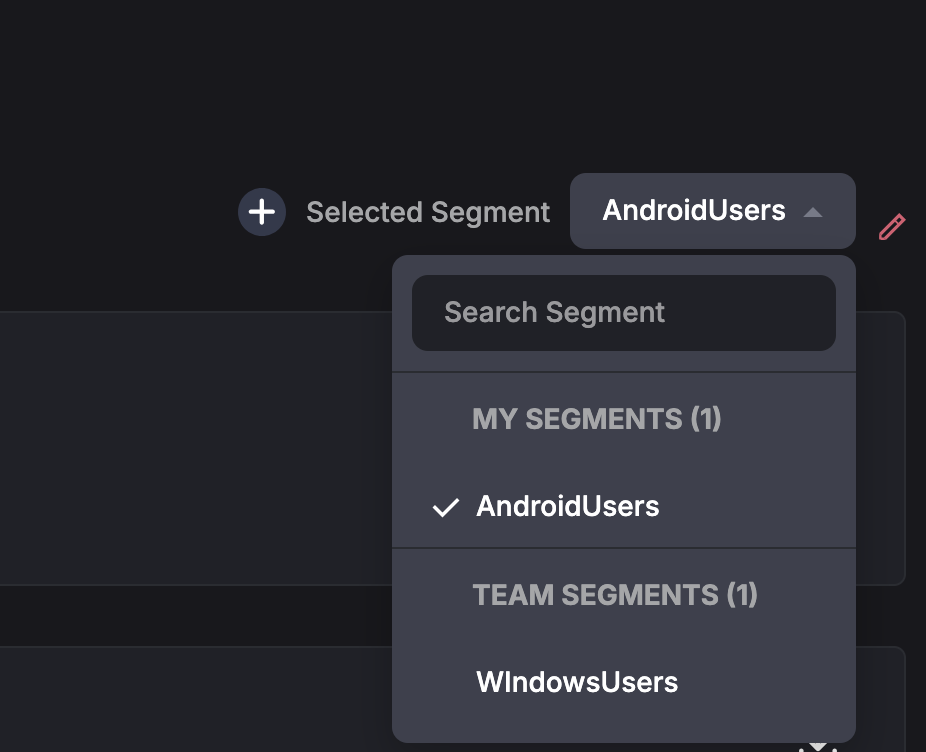
Once a segment is created, you can view the list of all Segments accessible to you. These could be Team or Personal Segments as shown in the image below.
The **Saved Segments** are visible in the Session Replay, Errors and Analytics in Zipy.